
Calemio App Guide
See our step-by-step guide to getting the most out of Calemio.
How Calemio works
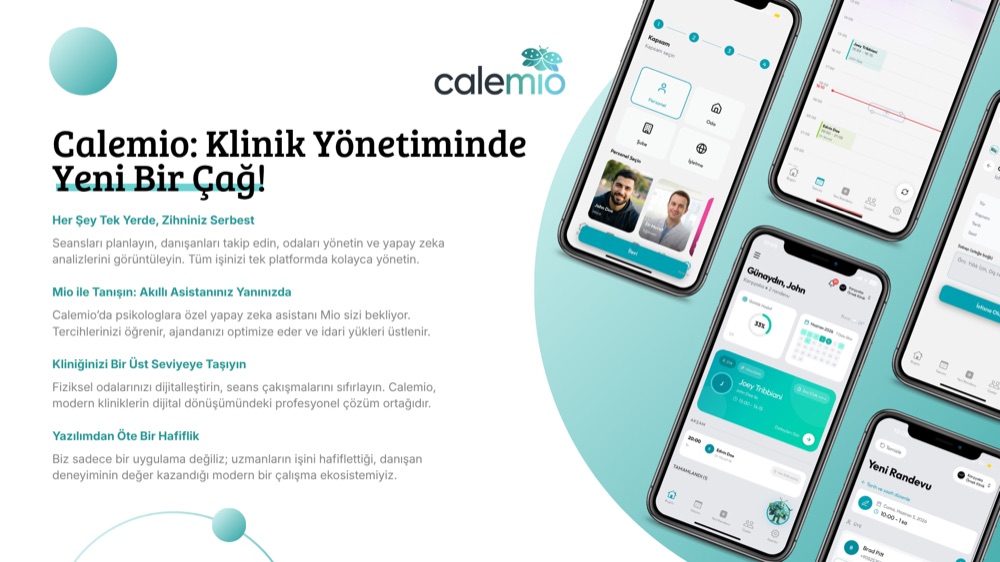
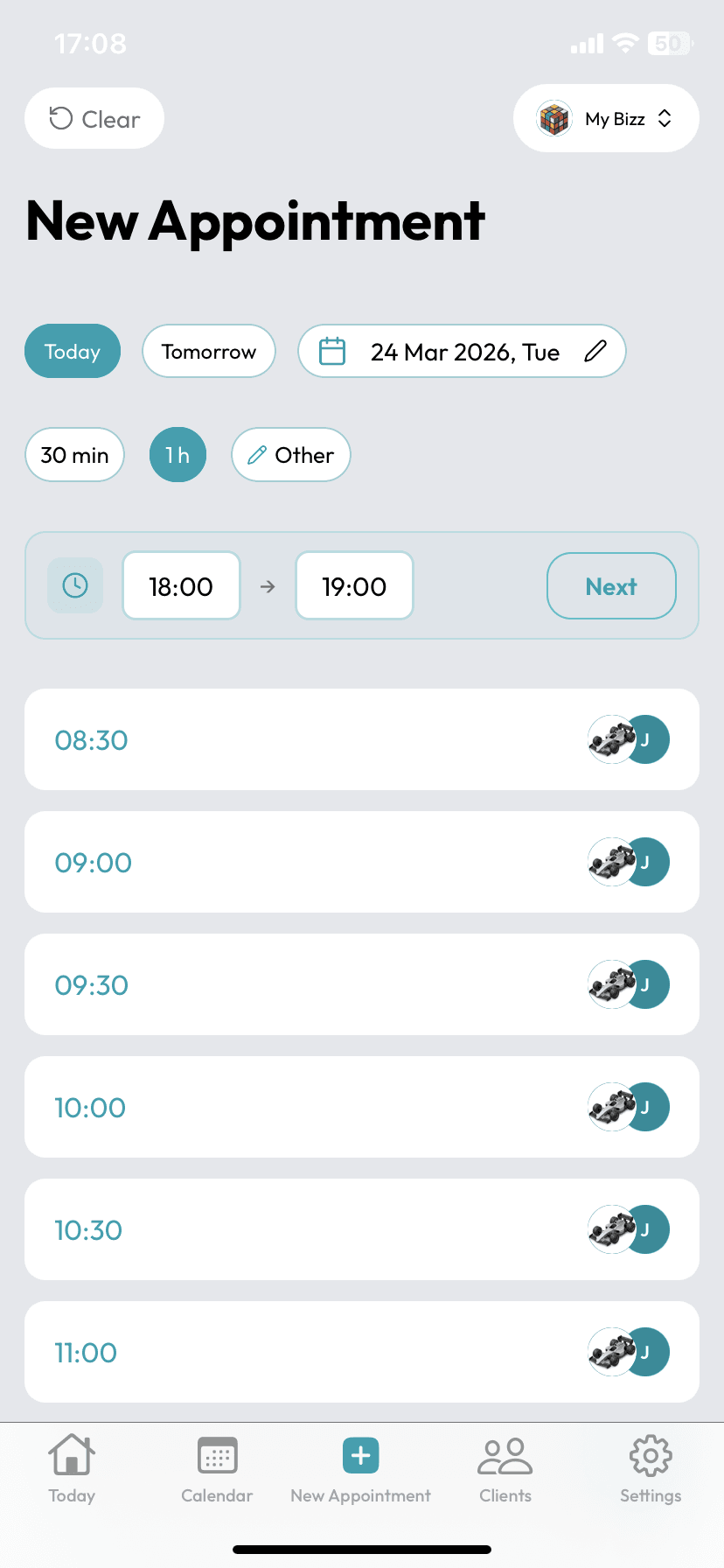
Create your account & set up your practice
Sign up in minutes; define your working days, consultation durations, and follow-up intervals. Your calendar is ready instantly.
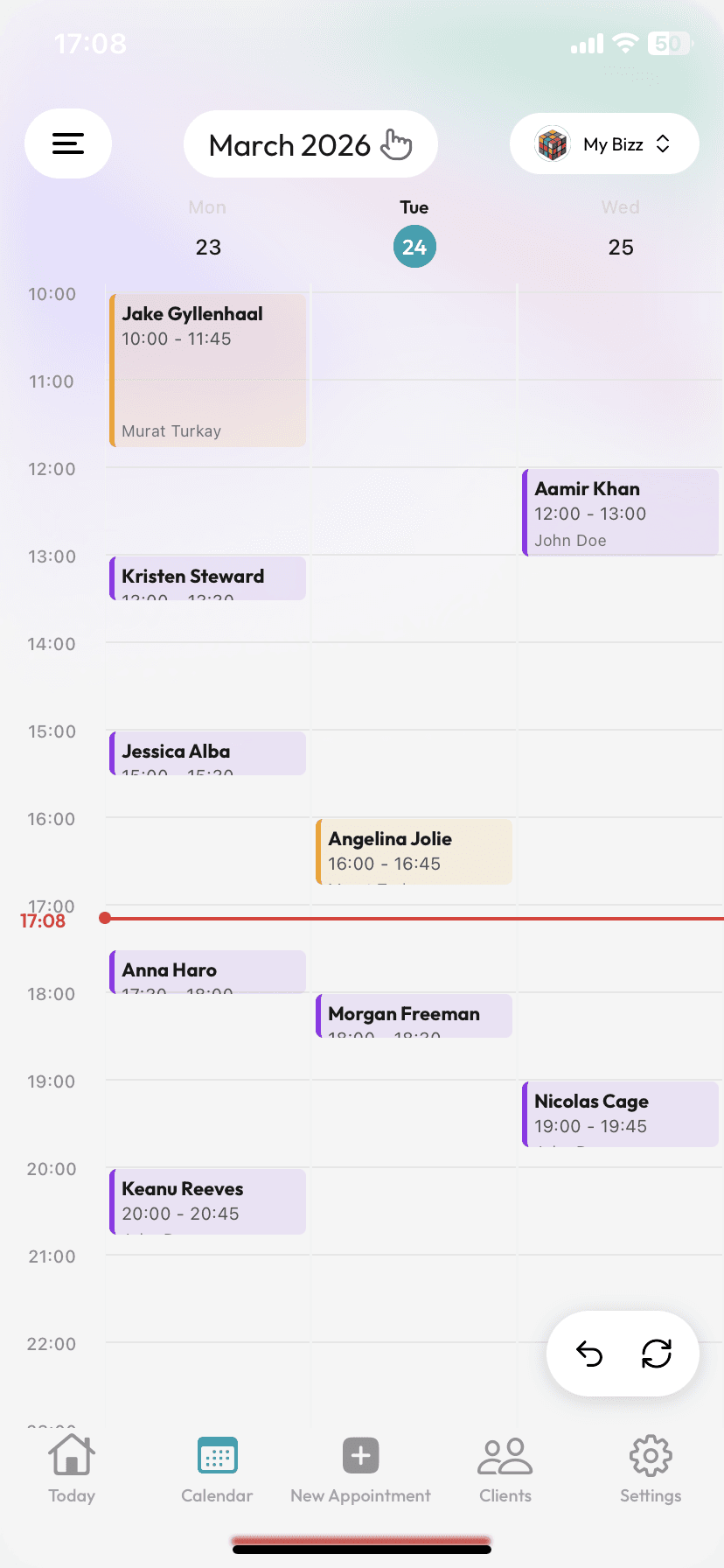
Manage appointments in one tap
Book initial consultations and follow-ups, and let SMS reminders and confirmations go out automatically. Gaps fill up, no-shows go down.
Create your account & set up your practice
Sign up in minutes; define your working days, consultation durations, and follow-up intervals. Your calendar is ready instantly.
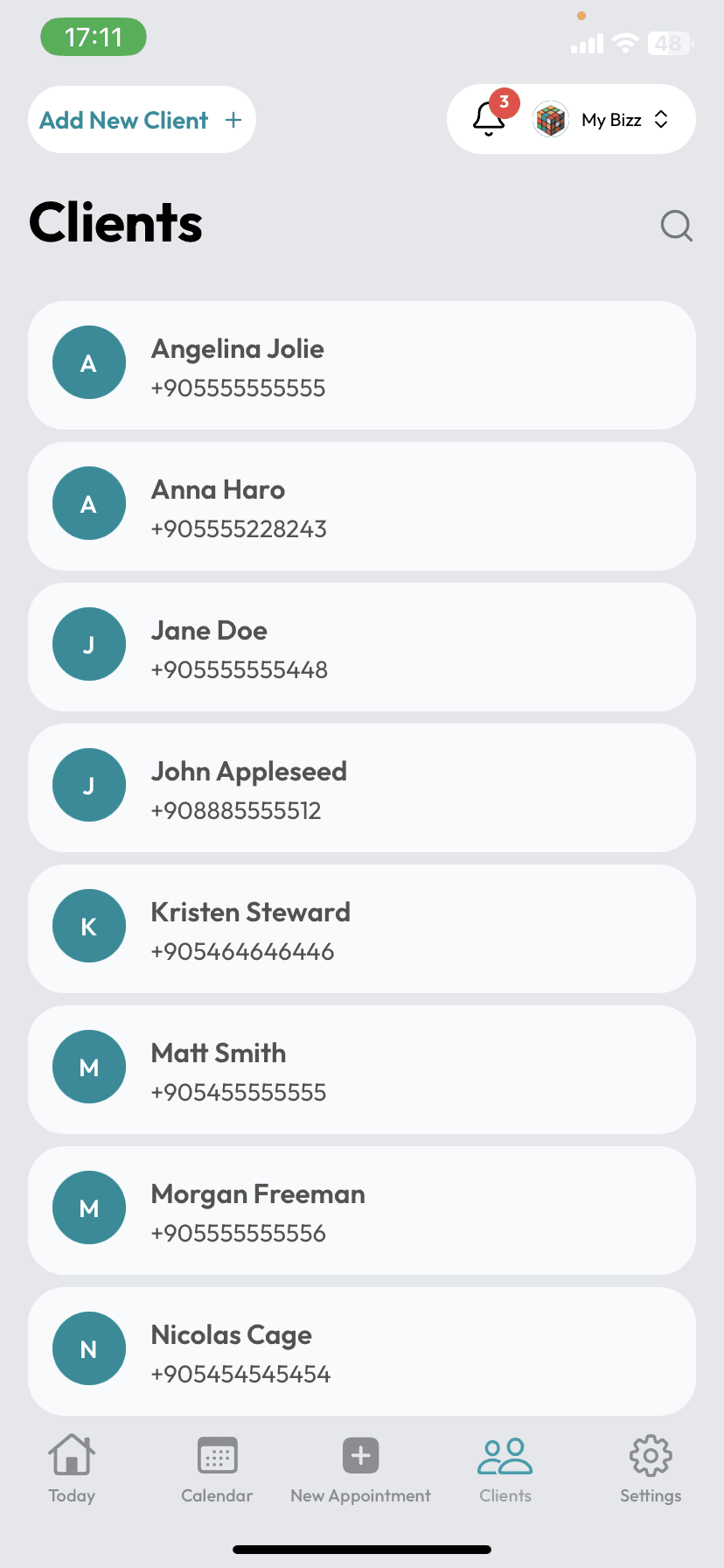
Add your clients, safely
Add clients one by one, or photograph a page of your notebook and let the AI read it. Everything is encrypted with AES-256 and stored at KVKK/GDPR grade.
Manage appointments in one tap
Book initial consultations and follow-ups, and let SMS reminders and confirmations go out automatically. Gaps fill up, no-shows go down.
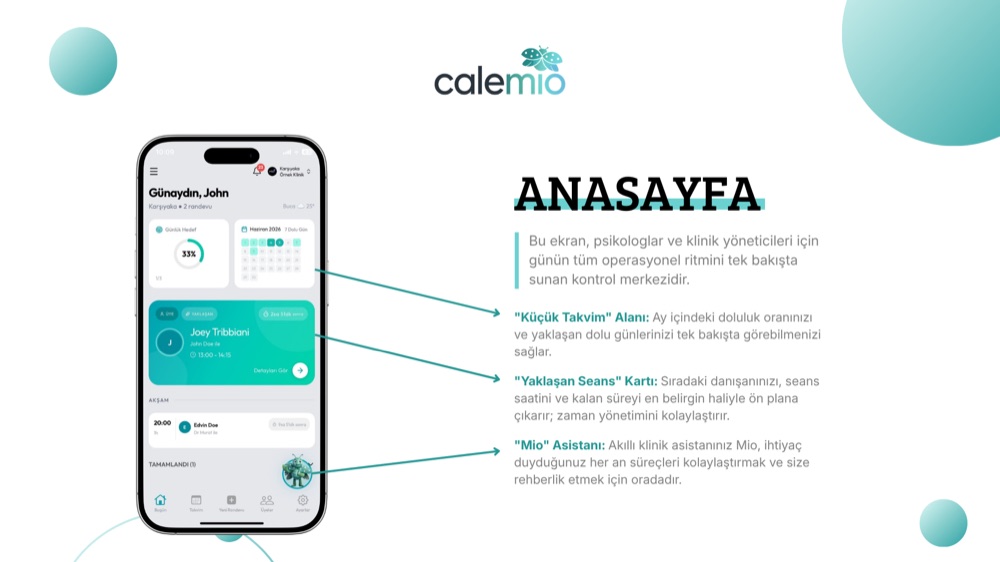
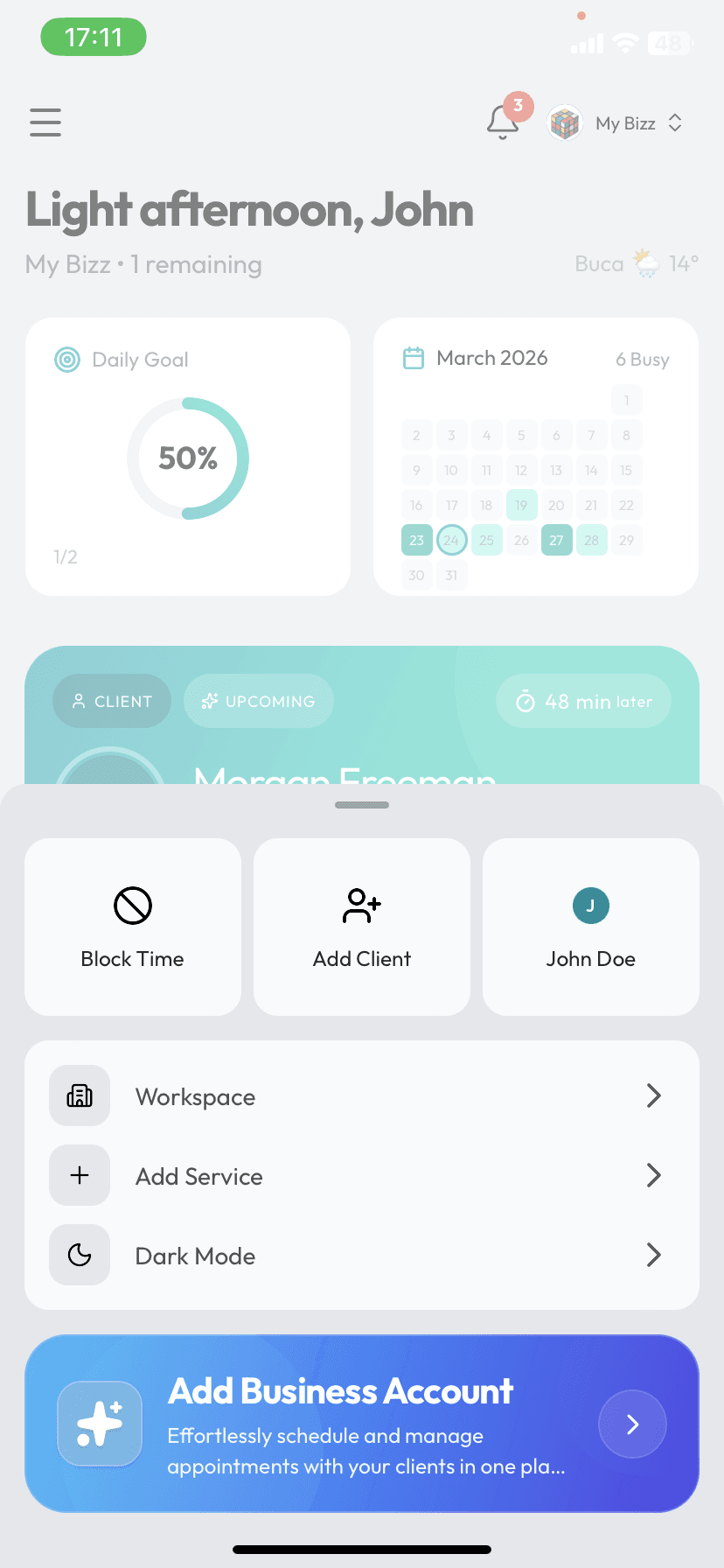
Track your clients' progress
Follow weight and measurement charts, upcoming check-ins, and practice stats from a single screen. Mio takes the admin off your hands.
Add your clients, safely
Add clients one by one, or photograph a page of your notebook and let the AI read it. Everything is encrypted with AES-256 and stored at KVKK/GDPR grade.
Track your clients' progress
Follow weight and measurement charts, upcoming check-ins, and practice stats from a single screen. Mio takes the admin off your hands.
Meet Mio.
Mio picks up the scheduling, confirmations, and follow-ups with clients who miss their check-ins. She speaks your clients' language, honors quiet hours, and keeps your day calm.

Download the App for Free
KOSGEB-backed · Developed inside a Turkish technology park